



Getting started
Check a register on your own computer
Install goslint with pip, run goslint ui, choose your register and the regulators that supervise it, and read what to fix. The register stays on your computer.
How-to video coming soon
- For
- Practitioners, Model owners, Validators, Compliance leads
- You need
- Python 3.8 or later, permission to install a Python package, and your register as .xlsx, .xlsm or .csv.
- Result
- A report of what to fix in the register, in each regulator's own words with a citation, and the findings as a file you can keep.
Steps
Open a terminal (Terminal on a Mac, PowerShell on Windows) and run
pip install governanceos(on a Mac,pip3 install governanceos).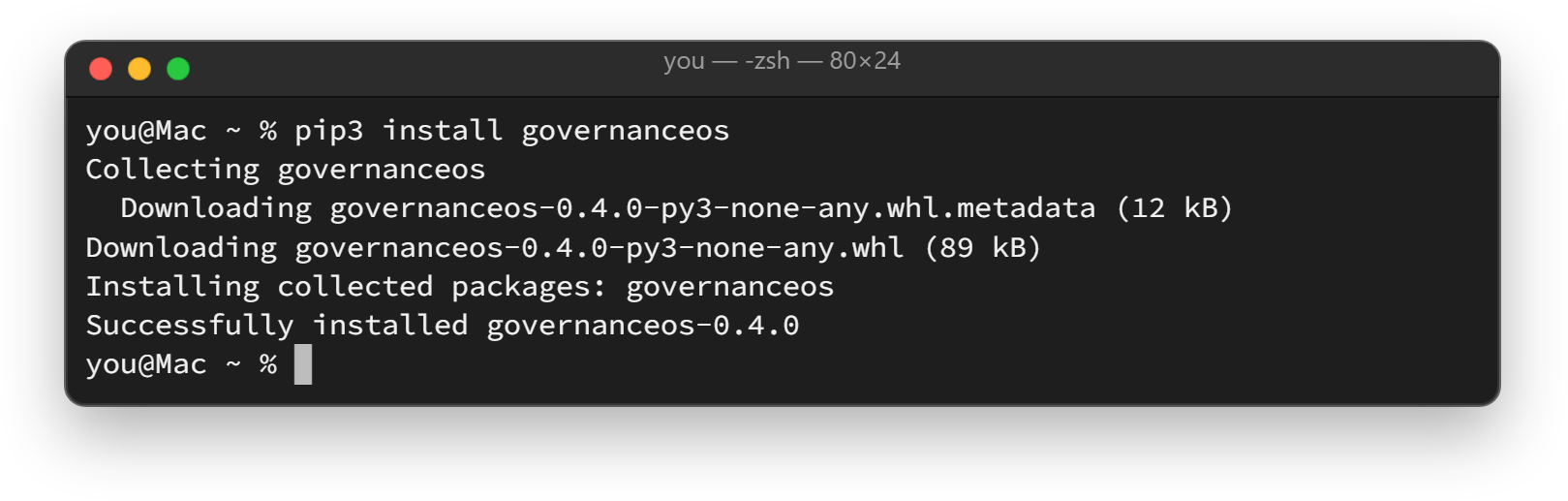
Run
goslint ui. If goslint asks to install openpyxl and PyYAML, the two libraries it needs to read spreadsheets, press Enter for yes. The goslint page opens in your browser.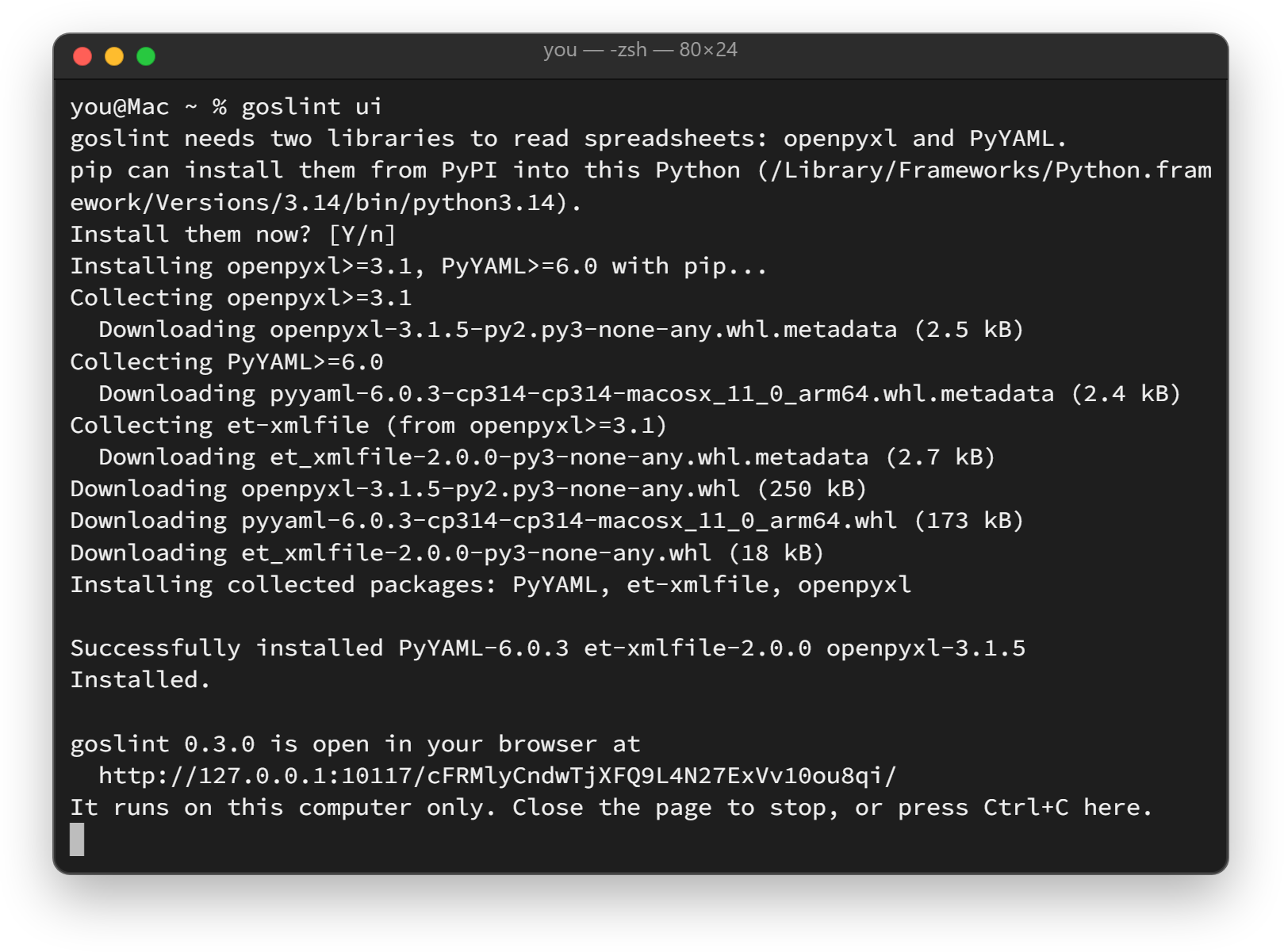
Select Choose your register, or drop the file on the page. No register at hand? Select Try the Nebula Mutual sample.
Under Who supervises this register?, open each region and tick the rule packs for the regulators your register answers to. Then select Check my register.
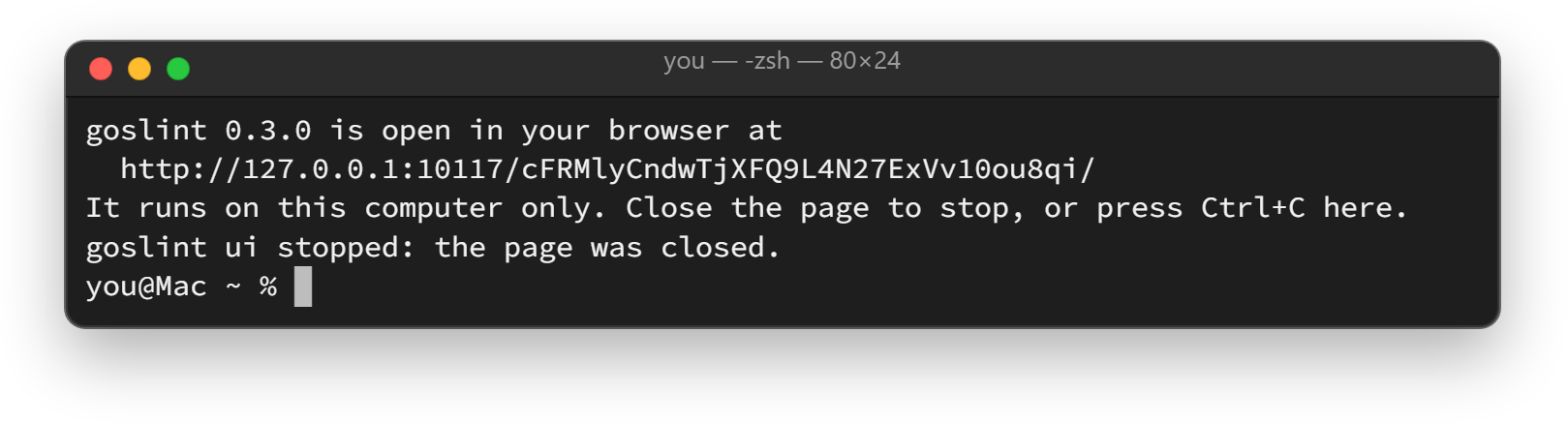
Read the report under To fix, To review and Notes. Select Copy the report, Save the report (.txt) or Save the findings (JSON), then close the page. goslint stops a few seconds later.
Good to know
- goslint serves the page from your own computer, at 127.0.0.1, behind a one-time address. It answers only your browser, and your register stays in memory on your computer.
- If
pipis not found, runpython -m pip install governanceos(on Windows,py -m pip install governanceos; on a Mac,python3 -m pip install governanceos). Ifgoslintis not found after the install, runpython -m governanceos.goslint ui(on a Mac,python3 -m governanceos.goslint ui). - If the browser does not open, copy the address goslint prints into your browser. Press Ctrl+C in the terminal to stop goslint at any time.
- Next review dates are checked as of today. To check them as of another day, open Next review dates as of before you check.
- goslint checks that fields are present, that next review dates have not passed, and where values come from. It does not check whether the values are true.
- At a terminal,
goslinton its own asks a question at a time. Scripts usegoslint lint register.xlsx --pack osfi-e23. - Without Python, the same checks run free in your browser. Check a register in your browser
Where in the product
Nebula Mutual is a fictional institution constructed for illustration; any resemblance to a real organization is unintended.